↗
Send from your own workflow
Trigger authorized text or interactive messages from your backend, CRM or n8n automation using a simple bearer-authenticated API.
FluxRelay gives your team one practical control layer for connected devices, message APIs, delivery receipts, customer conversations and automation workflows — without making day-to-day operations complicated.
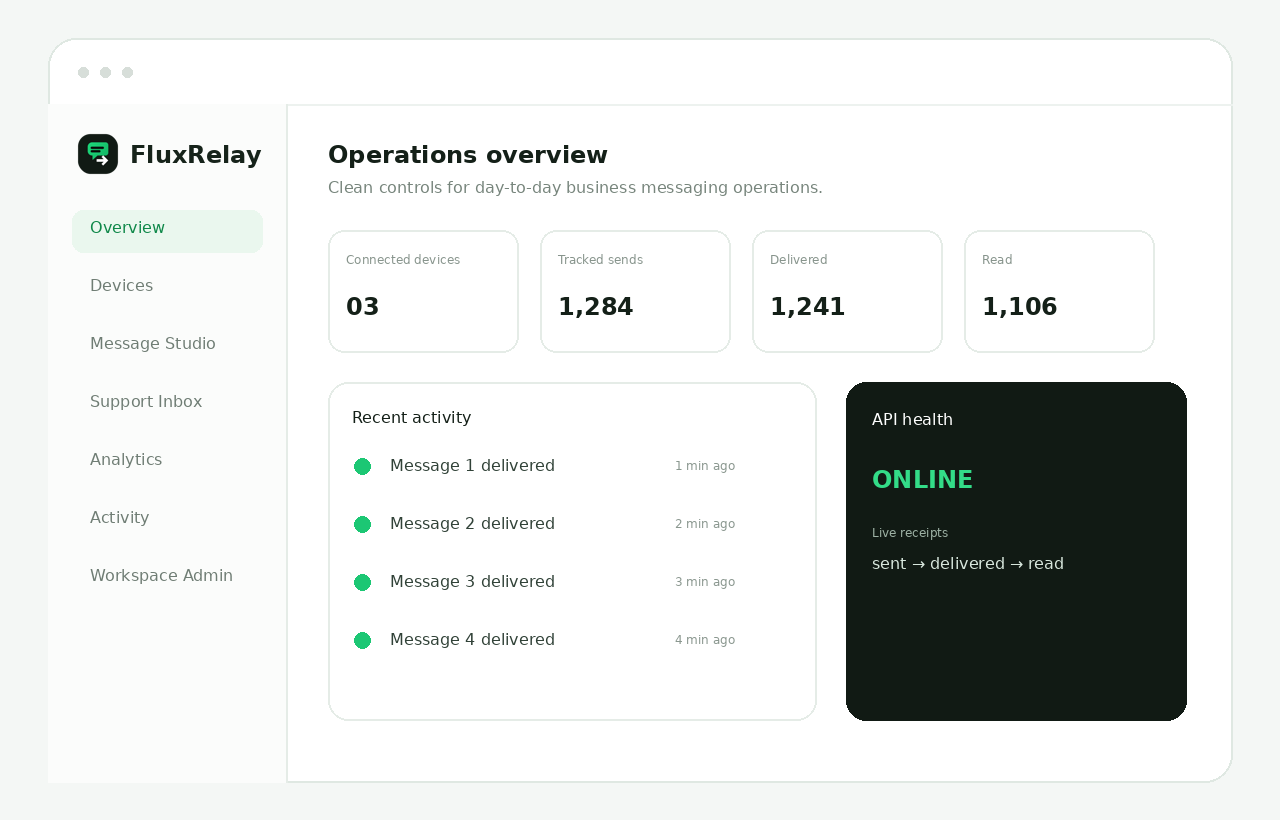
The interface is organized around the tasks a business actually performs: connect, test, send, track, support and automate. No feature is buried behind a decorative dashboard.
Trigger authorized text or interactive messages from your backend, CRM or n8n automation using a simple bearer-authenticated API.
Keep sender sessions visible, check connection state and use QR or pairing-code flows from one workspace.
Use WhatsApp message IDs to follow sent, delivered and read states whenever those receipt signals are available.
See customer conversations and reply from the same workspace used for message operations and device management.
Use API endpoints and webhooks as the messaging layer inside order, support, lead, reminder or notification workflows.
Review message activity and analytics so your team can diagnose failures and understand the state of production messaging.
Each workspace is separated into clear jobs instead of putting every control on one screen.
See connected senders, receipt state and recent activity before you start changing anything.
Your application handles business logic; FluxRelay handles the messaging layer. This keeps automations easier to maintain.
Automation should not remove visibility. The support workspace keeps customer conversations accessible when a person needs to step in.
Delivery, read and inbound activity provide useful signals for debugging and day-to-day monitoring.
FluxRelay is not tied to one industry. It is useful anywhere your team repeatedly sends or receives operational WhatsApp messages.
Start in Message Studio, confirm the real WhatsApp result, then move the same idea into your backend or n8n flow. Keep API credentials private and let your business logic decide when messages should be sent.
Messaging infrastructure should be easy to operate without making sensitive controls casual.
Device operations, API credentials and account pages stay behind authenticated workspace sessions.
Use bearer credentials server-side. The interface provides copy and regeneration controls without requiring them in public pages.
Logout, deletion and API key regeneration remain deliberate actions instead of invisible background behavior.
Accepted, delivered and read are treated as different states so your team does not confuse submission with final delivery.
Create a workspace, connect a sender, test the real flow and then integrate it into your business.